
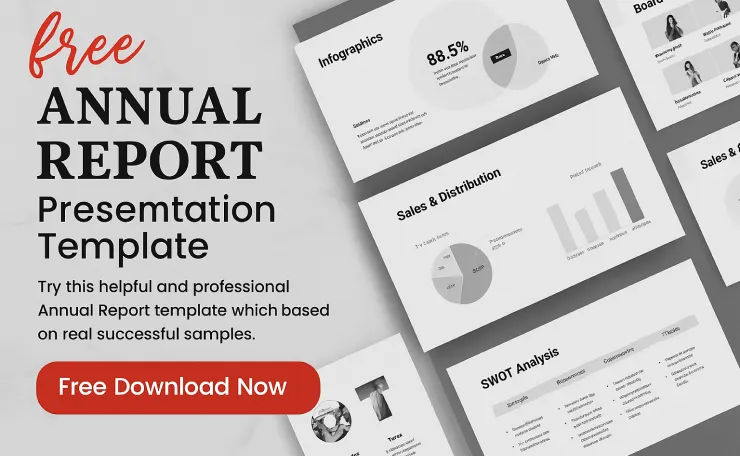
If you’re getting ready for your year-end board meeting, investor presentation, or company town hall, the last thing you want to do is build slides from scratch. That’s exactly why we created this free annual report presentation template – a modern, fully editable PowerPoint (PPTX) that helps you turn raw numbers into a clean, professional story in minutes.
With more than 140+ unique slides, smooth animations, and ready-made layouts for financials, KPIs, milestones, and forecasts, this free annual report PowerPoint template gives you everything you need to present your year with clarity and confidence.
Free Download

- 【USB-A & USB-C 2 in 1 Presentation Remote】The wireless presenter clicker features both USB-A and USB-C connections, allo…
- 【Functional Clicker for Presentations】The remote control for powerpoint presentations combines the features of page forw…
- 【Bright Red Light & Long Control Range】The usb c presentation clicker with a bright light is easy to highlight your poin…
$17.99
Why a Professional Annual Report Presentation Matters
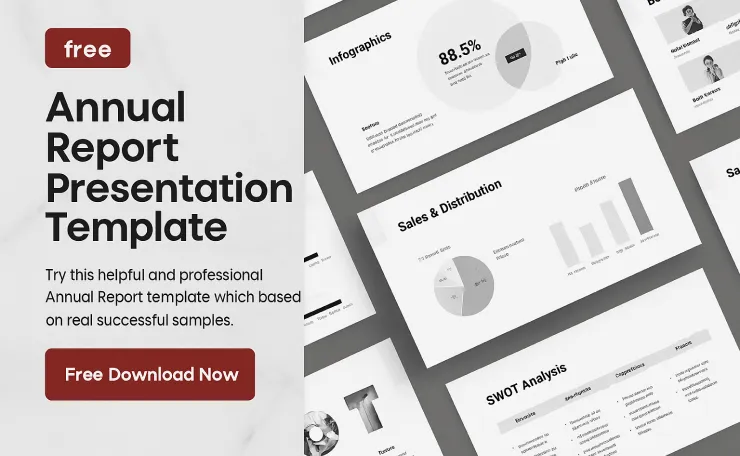
Your annual report isn’t just a compliance document – it’s your story for the entire year. A well-designed annual report presentation template helps you:
- Make data easy to understand – turn complex financials into clear charts, graphs, and infographics.
- Build trust with stakeholders – polished, consistent design shows that you care about details.
- Save time for your team – no need to waste hours designing slides from scratch.
- Keep your brand consistent – unify fonts, colors, visuals, and layouts across the whole deck.
Whether you’re presenting to investors, clients, executives, or your internal team, a strong business annual report presentation can make the difference between a boring slideshow and a powerful story of growth.
Overview of the Free Annual Report – Presentation Template
This free annual report PPT template is built on real, successful corporate presentation structures. You can use it as:
- A yearly company annual report presentation
- A company profile or business overview
- A business proposal or pitch deck
- A performance review or board meeting deck
It’s designed to be flexible enough for startups, agencies, enterprises, and non-profits, so you can adapt it to any industry.
What You Get Inside (140+ Unique Slides)
Your free annual report presentation template includes more than 140 unique, creative slides, carefully organized so you can simply plug in your content:
- Cover & Introduction Slides – introduce your brand, mission, and yearly theme.
- Company Overview & Vision – show who you are, what you do, and where you’re heading.
- Key Highlights & Milestones – showcase major wins, projects, and achievements.
- Financial Performance Slides – revenue, expenses, profit, KPIs, growth charts, and comparisons.
- Market & Customer Insights – audience breakdowns, segments, trends, and opportunities.
- Team & Leadership Profiles – elegant layouts for management and key departments.
- Roadmap & Strategy – upcoming plans, future goals, timelines, and action steps.
- Infographics & Data Visuals – charts, graphs, process diagrams, and timelines.
- Device Mockups & Portfolio Grids – ideal for product previews, UI/UX, apps, or web projects.
Every slide is fully editable, allowing you to change text, colors, icons, and images to match your brand without compromising the layout.
Free Download

- 【BRIGHT RED LIGHT】 This wireless presenter remote is with a bright red light which is easy to see against most backgroun…
- 【EASY TO USE】 Plug & play, no need to download software (For mac, you may need to complete an easy set-up first). The po…
- 【PERFECT SIZE & ERGONOMIC DESIGN】 Compact but perfect size, meeting ergonomic principle, it is comfortable to hold in ha…
$12.99
Powerful Features of This Free Annual Report PPT Template
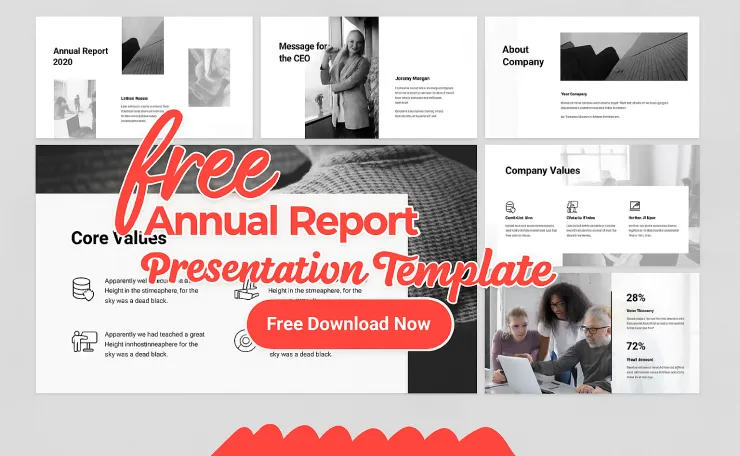
Here’s what makes this annual report presentation template free download stand out:
- ✅ Works on both Apple & Windows – compatible with modern versions of PowerPoint.
- ✅ 140+ unique, creative slides – not just repeated layouts with different text.
- ✅ Super smooth animation – subtle transitions to keep your audience engaged.
- ✅ PPTX format, 16:9 FULL HD ratio – perfect for widescreen projectors and screens.
- ✅ Dark & Light versions included – choose the style that fits your brand.
- ✅ 50+ theme color options – re-skin the entire deck with a few clicks.
- ✅ 1700+ vector icons as shapes (Bonus) – resize without losing quality.
- ✅ 50+ device mockups (Bonus) – showcase websites, mobile apps, dashboards, and more.
- ✅ Based on master slides – update global elements once and apply everywhere.
- ✅ Easy drag-and-drop image placeholders – replace photos in seconds.
- ✅ All graphics are resizable and editable – adjust charts, shapes, and illustrations freely.
- ✅ Free fonts used – no licensing headaches; links included in support PDF.
Note: Images used in the demo previews are not included. You can replace them easily with your own brand visuals or stock photos.
Who Should Use This Annual Report Presentation Template?
This free company annual report PPT is ideal for:
- Business owners & CEOs – summarise your year for investors, partners, or staff.
- Marketing & communication teams – create on-brand annual review presentations.
- Startups & SMEs – pitch performance to angels, VCs, or accelerators.
- Finance & strategy teams – present financials and KPIs clearly and visually.
- Agencies & freelancers – impress clients with a professional annual report deck.
- Non-profits & NGOs – showcase impact, donations, and community results.
If you need a modern, professional, and easy-to-edit annual report PowerPoint template free, this deck gives you a strong starting point.
Free Marketing Strategy PowerPoint Presentation – Download & Edit
How to Use the Free Annual Report Presentation Template (Step by Step)
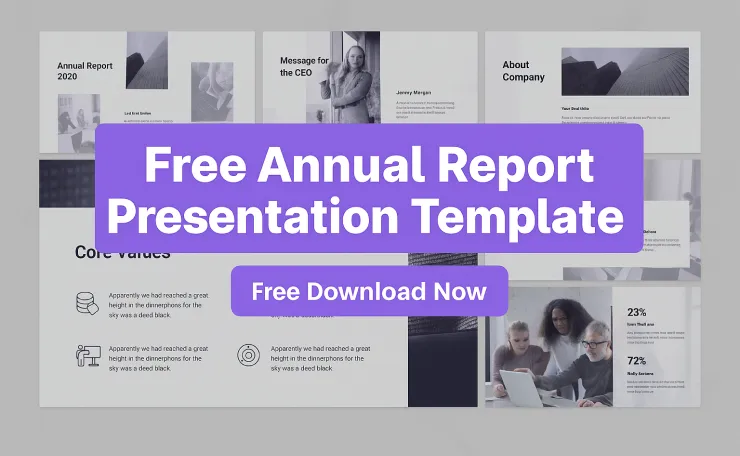
Follow these simple steps to customize the template:
1. Download and Open the PPTX File
Download the free annual report presentation template and open it in Microsoft PowerPoint on Windows or macOS.
2. Set Your Brand Colors and Fonts
Use the 50+ theme color options and master slide settings to:
- Apply your brand’s primary and secondary colors.
- Update fonts to match your brand guidelines.
This will instantly make the entire deck feel like it was built just for your company.
3. Replace Placeholder Text with Your Content
Each slide has clear placeholders for:
- Year, company name, and tagline
- Mission, vision, and values
- Key metrics, financials, and growth
- Case studies, achievements, and success stories
Simply copy and paste your real data and adjust headlines as needed.
4. Drop in Your Images and Screenshots
Use the drag-and-drop image placeholders to:
- Add product images or service photos
- Insert screenshots of dashboards, apps, or websites
- Include team and leadership photos
All layouts are designed to keep your visuals clean and balanced.
5. Customize Charts and Infographics
Double-click on charts and diagrams to edit the underlying data. You can:
- Update numbers in Excel-linked charts
- Adjust labels, percentages, and legends
- Reshape diagrams to match your process or strategy
This turns your deck into a true annual report presentation, not just pretty slides.
H3: 6. Export or Present Live
When you’re done, you can:
- Present directly from PowerPoint in full HD
- Export as PDF for emailing
- Save as a video or upload slides to tools like Teams or Zoom for virtual meetings
Tips for a High-Impact Annual Report Presentation
To get the most out of this annual report PowerPoint template, keep these best practices in mind:
- Lead with the big story – start with 3–5 key wins or takeaways from the year.
- Keep slides clean – avoid long paragraphs; use short bullets and strong visuals.
- Use consistent visuals – stick to one icon style, one illustration style, and one color system.
- Highlight what changed – investors and stakeholders care about year-over-year movement.
- End with a clear roadmap – show what’s next: goals, priorities, and timelines for the upcoming year.
The template already supports these presentation habits with slides for highlights, comparison charts, timelines, and roadmaps.
Free Download

- [Presentation Clicker with Red Laser Pointer] PowerPoint clicker controls range:98FT/30M, laser pointer range: 328FT/100…
- [Wonderful Ergonomically] Wireless presentation clicker for PowerPoint presentations has a amazing ergonomic design that…
- [USB A & USB C 2 in 1 Receiver, Plug and Play] No installation needed, no assembly or hard instructions to follow. Just …
$15.99
On-Page SEO Tips for This Blog Post
To help this blog rank for “free annual report presentation template” and related keywords, make sure you:
- Use the main focus keyword in your SEO title, URL slug, H1, and first 100 words.
- Add a short meta description (around 140–155 characters) using the main keyword.
- Use 3–5 related headings like “annual report PowerPoint template free”, “business annual report presentation”, etc.
- Optimize images with descriptive ALT text such as “free annual report PowerPoint template 16:9” or “yearly business report presentation slides”.
- Internally link to your other presentation templates, business templates, or design resources.
- Add an external link (if you like) to a reputable article about annual reporting or presentations for extra trust.
Download the Free Annual Report Presentation Template
Ready to turn your raw data into a beautiful, investor-ready annual report?
Download the free annual report presentation template, customize it with your brand, and deliver a clear, confident, and professional story of your year – without spending days designing slides from scratch.
FAQ – Free Annual Report PowerPoint Template
Q1. Is this annual report template really free?
Yes, the template is completely free to download and edit in PowerPoint (PPTX). You can use it for personal, internal, or client projects according to your own licensing terms.
Q2. Can I use this template for a company profile or pitch deck?
Absolutely. The deck is flexible enough to work as a company profile, business proposal, pitch deck, or investor presentation, not just a yearly report.
Q3. Do I need any special fonts or plugins?
No. The template uses free fonts (linked in the support PDF) and standard PowerPoint features. Everything is fully editable out of the box.
Q4. Can I change colors, icons, and layouts?
Yes. With master slides, theme color options, and 1700+ vector icons, you can change almost everything – colors, icons, backgrounds, and layouts – to match your brand.
Q5. Will it work on Mac and Windows?
Yes. The PPTX files work smoothly on both Apple (macOS) and Windows versions of Microsoft PowerPoint.


2 Comments